Sports Fan’s Guide to Managing Game Schedules

Sports fans meticulously check diverse game schedules each week, diligently gathering information to ensure they don’t miss matches in their favorite sports or for their preferred teams. Yet nowadays, with the sheer volume of games and increasingly complex schedules, it’s becoming all too common to accidentally overlook important matches. This article offers practical strategies for sports fans to effectively manage game schedules and efficiently utilize available information, based on insights from TotalSports. By following these actionable tips, fans can stay informed, avoid missing games, and enjoy watching them to the fullest.
1. Basic Checklist for Managing Sports Schedules
To effectively manage sports game schedules, it's essential to first prepare a basic checklist. This checklist can be customized based on personal interests and should begin like this:
- Select your preferred sports and teams: Clearly identify which sports you enjoy and which teams you support. For example, if you're a football fan, you might prioritize Juventus matches featuring Cristiano Ronaldo or popular K-League teams in South Korea.
- Verify official game schedules: Check the official websites or apps for each sport to confirm match dates. TotalSports organizes and presents schedules by sport, making it easy to use. For instance, the NBA’s 2023–24 season typically starts in early October and extends into late April with playoff games.
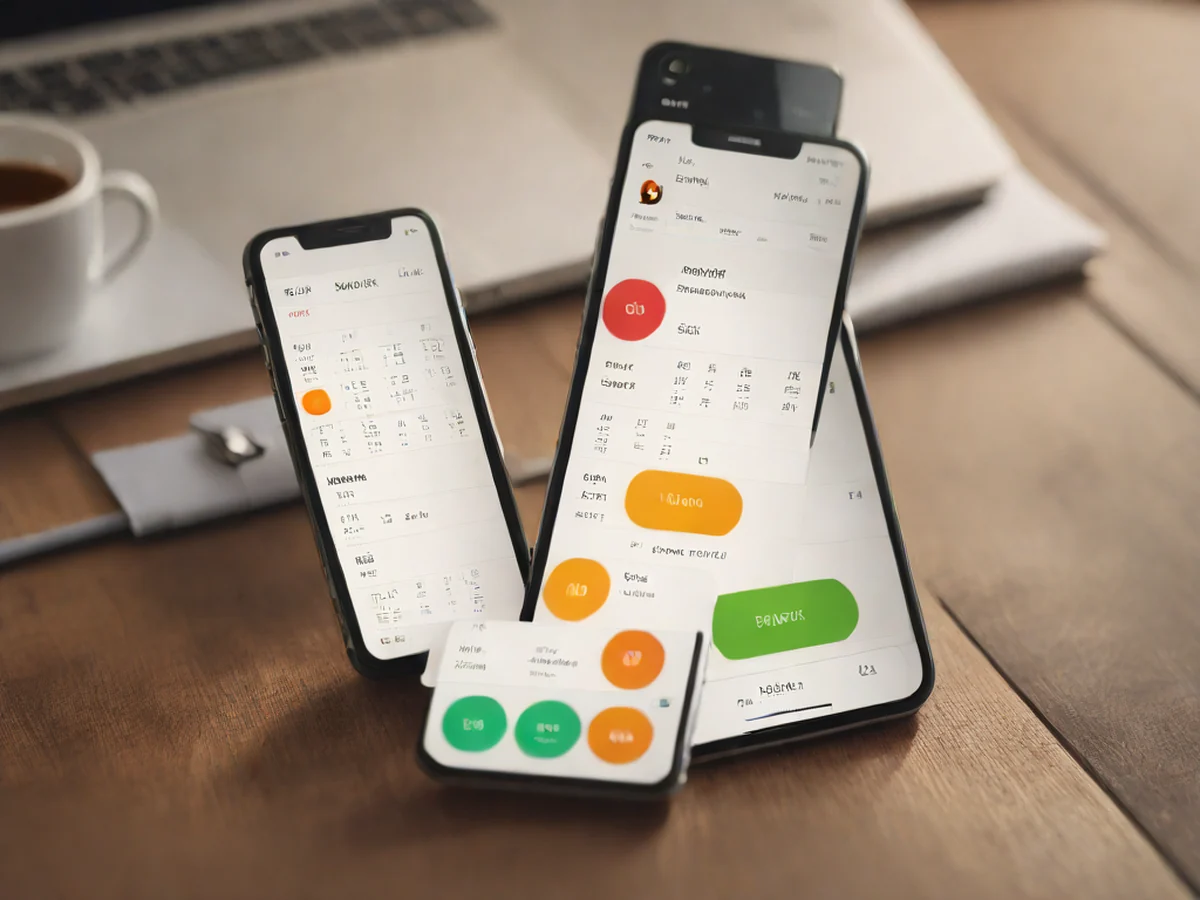
- Use reminder settings: Set up alerts via smartphone apps, Kakao Alerts, or Google Calendar. For example, setting a notification that says “K-League 1 match starts at 3:00 AM” ensures you won’t miss it even if you wake up late.
Once this basic checklist is consistently maintained, future scheduling becomes much smoother and more efficient.
2. From Information Gathering to Filtering: How to Eliminate Unnecessary Noise
Sports news sites constantly report on game results, trends, and player scandals. However, reviewing every piece of information is impractical and time-consuming. The key here is the ability to filter information effectively.
- Prioritize important games: Focus on high-stakes matches such as playoffs, championship finals, or rivalry games. For example, in the IPL, the final is held mid-May, so match outcomes during that period carry more weight than regular-season results.
- Use only reliable sources: Trusted sports platforms like TotalSports deliver accurate, error-free information. In contrast, social media "predictions" about matches are often unreliable and prone to mistakes. Always verify critical details—such as match results or scoring rules—through official sources.
- Avoid information overload: Checking more than 10 match results per day can lead to mental fatigue. It’s better to review only 1–2 key games daily and record important outcomes in notes or your calendar.
The core skill of a true sports fan isn’t spending hours scanning news—it’s the ability to quickly identify and access only what matters.
3. Recommended Tools for Managing Game Schedules

Modern technology has made sports scheduling far easier than ever. Here are some effective tools to use:
- Install a dedicated sports app: The TotalSports app provides real-time updates on game schedules, live streaming links, and match results by sport. You can follow your favorite teams and set alerts to notify you 30 minutes before a game starts.
- Integrate with Kakao Calendar: Add events like “K-League matches” or “NBA games” directly to your Kakao Calendar. It also syncs with Google Calendar, and receiving email alerts ensures you never miss a game.
- Use official streaming platforms: For live broadcasts, connect with official broadcasters or streaming services. Platforms like Tving and Naver Sports offer real-time coverage of popular games in South Korea.
When used properly, these tools ensure you never miss a game and efficiently manage your time and energy.
4. Busy Seasons Require Consistent Management—Don’t Let Your Guard Down
Sports like golf or racquetball, which run year-round, and football leagues with long seasons featuring weekly matches require even more careful scheduling.

- Don’t overlook “small” games: International friendly matches or pre-A-match races in the K-League may seem minor, but they hold real significance for fans. Regularly checking the official calendar helps you stay informed and engaged.
- Balance games with rest days: Rest periods after three consecutive matches are crucial for player recovery. Maintain the habit of checking schedules even during these breaks to stay prepared.
- Prepare for irregular changes: Broadcasts for international tournaments may be confirmed suddenly, and weather or venue changes can alter game dates. Always check for updates immediately when such shifts occur.
For any sports fan, match schedules are not just about what you can watch—they’re a vital source of meaningful information and unforgettable experiences.
Being a sports fan means knowing your schedule, managing it wisely, building anticipation, and enjoying every moment. By using trusted platforms like TotalSports and smart tools effectively, you can fully enjoy your sports life—without missing a single game.
Quick Comparison
| Category | Item A: Existing Habit | Item B: Effective Scheduling Method |
|---|---|---|
| Schedule Checking Method | Manually checking numerous news sites and social media for updates | Automatic schedule organization via official app (Total Sports) and calendar integration |
| Notification Usage | Missed games due to lack of alerts right before kickoff | 30-minute automatic reminders enable timely preparation |
| Information Management | Mental stress from reviewing all game results | Prioritize only key matches (playoffs, rival games) |
| Tool Utilization | Using only websites without dedicated apps | Integration with sports apps, Kakao Calendar, and official streaming services (e.g., Tving) |
| Change Readiness | Unable to promptly detect schedule changes | Real-time updates confirmed through official sources |


Comments 0